Control
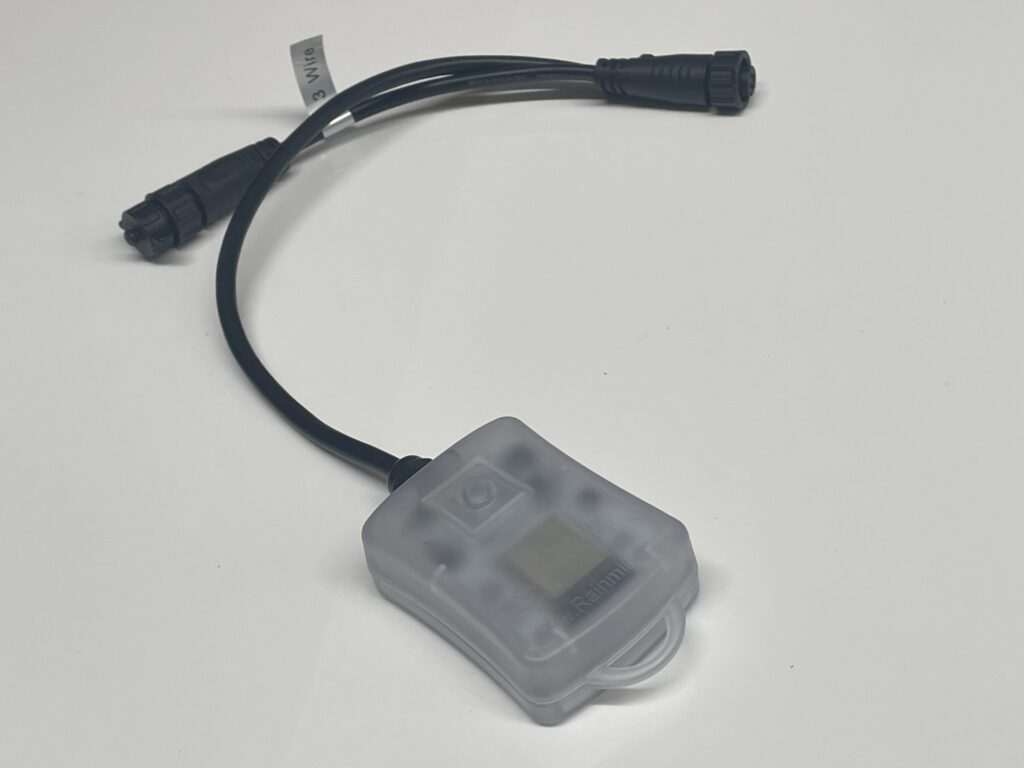
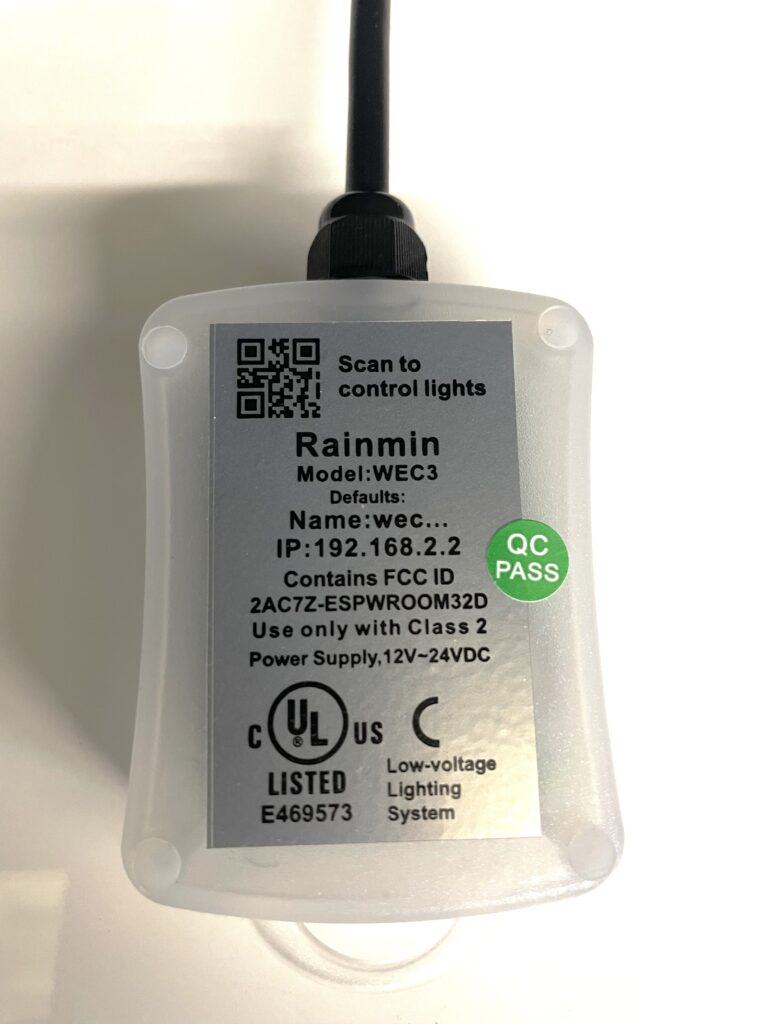
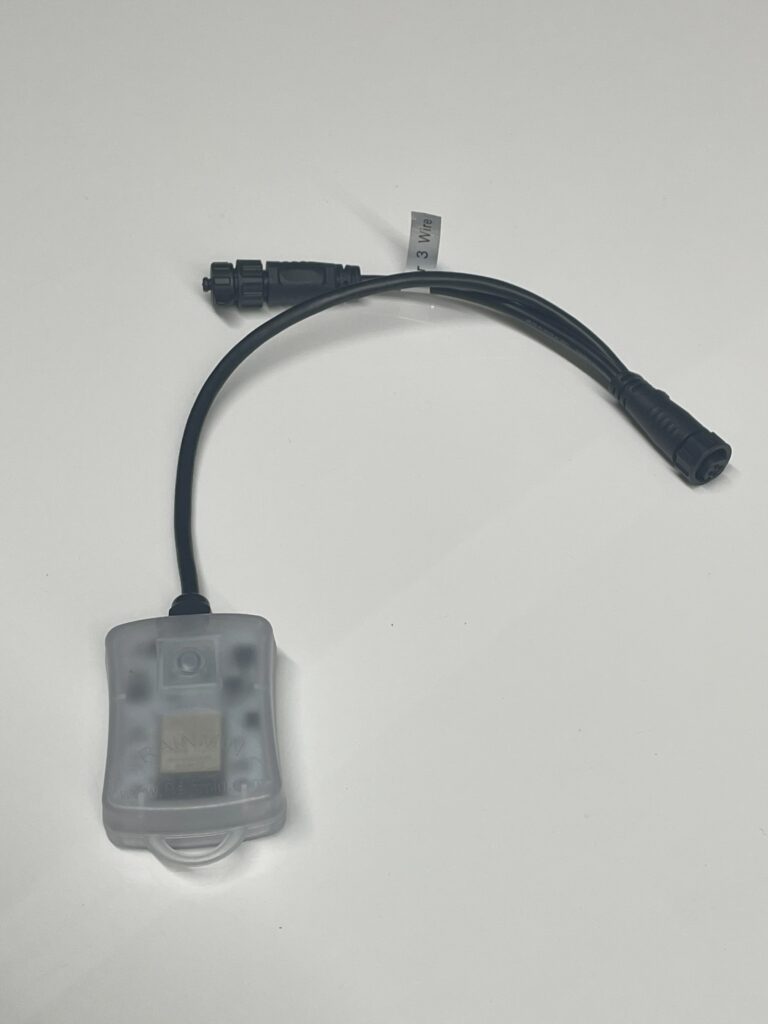
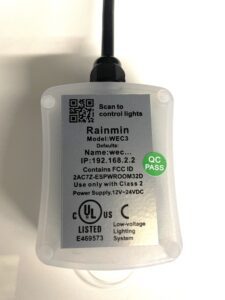
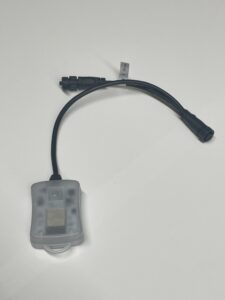
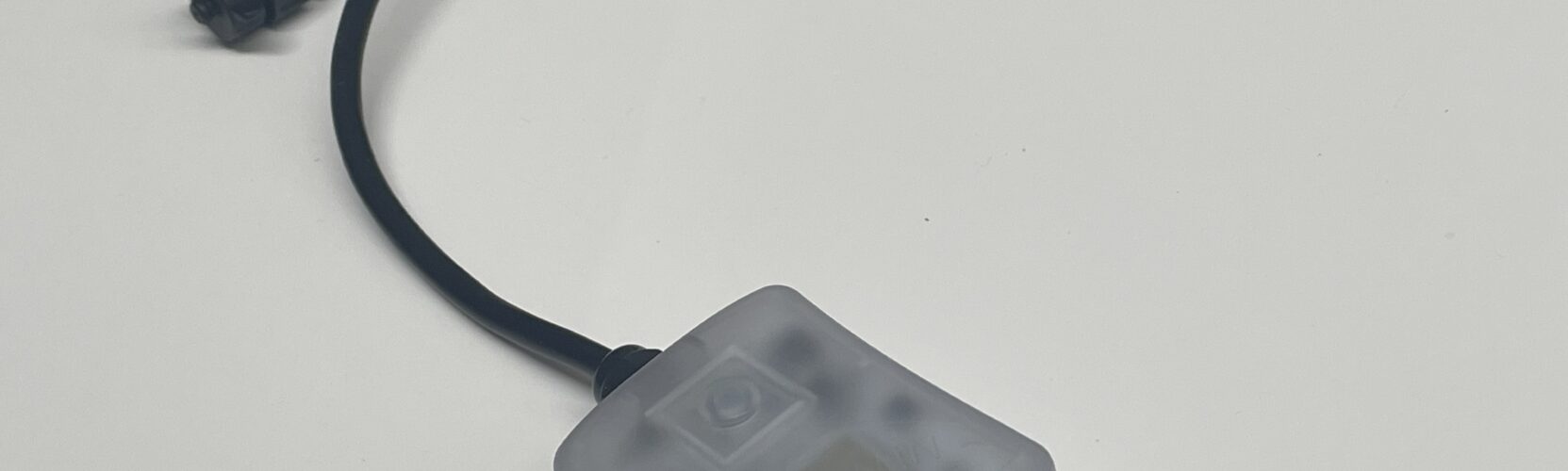
WEC3 Mini
Control color & animations of various RGB+light strings and fixtures via a dedicated access point, or connect WEC+3 to a larger more robust network. Schedule daily, weekly or hourly scenes with various color pallets on holidays and special occasions throughout the year. Schedule a warm white on all other days. Perfect for residential, or small-to-medium sized commercial installations.
WEC+3 Pixel Dancer - User Guide v6.0 WEC+3 Pixel Dancer - User Guide v5.0 WEC+3 Dual Port, Boss & Mini - User Guide v4.0 - latest backend features WEC+3 Pixel Dancer App - Networking & Grouping Guide v1 WEC+3 & Pixel Dancer Remote Access Guide v1 WEC+3 Pixel Dancer App - User Guide v2 WEC+3 Mini - Data Sheet WEC3 - Scheduler Defaults / Presets for download wec3-v65 firmware update (Zip file) wec3-v65 firmware update WEC3 - v6.36 firmware update wec3-v6.6 firmware update (.bin) wec3-v6.6 firmware update (.zip)Applications
- Rooflines & building perimeters
- Holiday decor
- Landscape lighting
- Light curtains & pixel walls
- Light line trees
- Globe Gardens
- Festoons & light canopies
Options
WEC+3 Mini has an internal antenna, and external reset button.
WEC+3 Boss has an external Wi-Fi antenna, and a better wireless range.
WEC+3 Dual Port (works with the same firmware, App & UI): 2-individually controllable split ports, external hard reset, robust & compact external antenna
User Interface Options:
- Web UI at 192.168.2.2
- Pixel Dancer App (iOS and Android)
Pro Tips
If you have trouble staying connected to your WEC3, try making the WEC-xxxx network, your preferred network in your smart phone’s “Wi-Fi Settings”, during installation phase.
It is also a good idea to “forget any preferred networks” that may be bumping your WEC’s access point from your device during install.
Most issues are connectivity-related, where we lose the Wi-Fi signal. Also consider, pointing to a network router. These steps will make installs more efficient, preventing us from losing the WEC’s Wi-Fi signal in the process.